

You’ve just posted an Instagram Story — maybe it’s a candid selfie, a spicy opinion, or a behind-the-scenes moment you’re only comfortable sharing for 24 hours. Then the thought creeps in: What if someone screenshots it? And more importantly — would I even know?
It’s a question millions of Instagram users have Googled, debated in group chats, and quietly wondered about. The answer might surprise you — or, depending on your perspective, relieve you entirely.
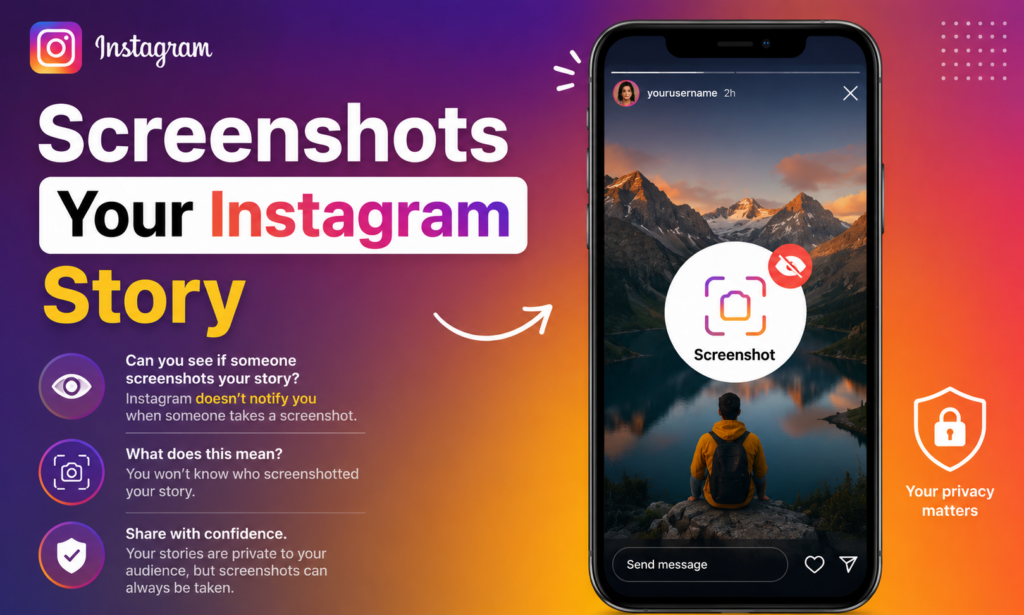
The short answer: No, Instagram does not notify you when someone takes a screenshot of your Story. Your viewers can save your content to their camera roll without you receiving any alert whatsoever. But there’s more nuance to the story (pun intended), and understanding exactly where notifications do and don’t exist can help you use Instagram more confidently.
A Brief History: Instagram Did Test Screenshot Notifications
Back in 2018, Instagram briefly tested a feature that would notify users when someone took a screenshot of their Story — similar to how Snapchat handles it. For a short period, a small star-like icon appeared next to the names of people who had screenshotted your Story.
The internet promptly panicked.
Users were alarmed, etiquette felt murky, and the social awkwardness of being “caught” saving someone’s content created real discomfort. Instagram quietly rolled back the feature before it ever became a standard part of the app. No official explanation was given, but the user reaction spoke for itself.
Since then, the feature has never returned — and as of today, Instagram has made no announcements about bringing it back.
Can You See Who Views Your Instagram Highlights?
What Instagram Actually Notifies You About
While Stories get a free pass, Instagram does send screenshot notifications in a few specific, more private contexts:
Disappearing Photos and Videos in DMs If someone sends you a disappearing photo or video through Instagram Direct Messages (the kind that vanishes after you view it), and you screenshot it, the sender will be notified. This applies to media sent with the “View Once” or “Allow Replay” settings.
Vanish Mode When you’re in a Vanish Mode conversation — where messages disappear after they’re seen — taking a screenshot will also trigger a notification to the other person.
Everything Else? No Notification. Here’s a quick reference:
| Feature | Screenshot Notification? |
|---|---|
| Instagram Stories | ❌ No |
| Close Friends Stories | ❌ No |
| Regular Feed Posts | ❌ No |
| Reels | ❌ No |
| Disappearing DM Photos/Videos | ✅ Yes |
| Vanish Mode Messages | ✅ Yes |
The pattern is clear: Instagram only flags screenshots in its most explicitly private, one-to-one messaging contexts.
ImgInn – Download Instagram Posts, Stories, Video, Avatar, and More
Can Third-Party Apps Tell You Who Screenshotted Your Story?
This is where things get important — and a little dangerous.
A quick search in the App Store or online will surface dozens of apps claiming they can show you exactly who screenshotted your Instagram Stories. These apps are, without exception, misleading at best and malicious at worst.
Here’s why: Instagram’s API (the official interface developers use to access Instagram data) simply does not expose screenshot information. It’s not a feature Instagram offers to outside developers. Any third-party app claiming otherwise is either fabricating data, showing you completely made-up names, or — more worryingly — harvesting your Instagram login credentials.
Granting a sketchy third-party app access to your Instagram account can result in your account being compromised, your data being sold, or your account being used to spam others. No list of screenshot-takers is worth that risk.
The rule of thumb: If an app promises to tell you who screenshotted your Story, don’t trust it.
Workarounds People Use — And Why They Don’t Change Much
A few methods circulate online for viewing Stories “invisibly” or saving content without detection. Here’s what’s actually going on with each:
Screen Recording vs. Screenshotting Some people assume that screen recording a Story might fly under the radar even if screenshots didn’t. The reality: neither triggers a notification. You can screenshot or screen record an Instagram Story without the creator ever knowing.
Airplane Mode Trick A well-known trick involves loading someone’s Story, turning on airplane mode, watching it, and then clearing the app before going back online — theoretically preventing your view from being registered. This works inconsistently and becomes less reliable with each app update, but it remains a workaround some people use for anonymous viewing (not specifically for screenshotting).
Viewing via a Web Browser Opening Instagram in a mobile or desktop browser rather than the app can sometimes affect how views are tracked, though Instagram has steadily closed these gaps. For screenshots specifically, it makes no difference.
What You Can See: Story Views While you can’t see who screenshotted your Story, you absolutely can see who viewed it — at least while it’s still live. Tap your own Story and swipe up to see the full viewer list. This disappears once the Story expires after 24 hours (unless you save it to Highlights, though viewer data still disappears).
Instalkr – View Instagram Stories Anonymously
Privacy Tips for Instagram Stories
Since you can’t know who’s screenshotting your Stories, the smarter move is to control who sees them in the first place.
Use Close Friends Instagram’s Close Friends feature lets you share Stories with a curated list of people only. While it still won’t notify you of screenshots, limiting your audience dramatically reduces the chances of sensitive content being saved and shared.
Switch to a Private Account If your account is public, anyone — follower or not — can view your Stories. Going private means only approved followers can see your content.
Use the “Hide Story From” Setting You can hide your Stories from specific followers without unfollowing or blocking them. Find this under Settings > Privacy > Story.
The Golden Rule: Assume Anything Can Be Saved This is the mindset that protects you most. On any platform, in any format, if you post something digitally, there is always a way for someone to capture it. Stories disappear, but screenshots don’t. Before posting anything sensitive, ask yourself: Would I be okay if this got screenshotted and shared?
How Instagram Compares to Other Platforms
Instagram isn’t alone in this approach, but it’s also not the norm across all social platforms:
Snapchat — Snapchat built its entire identity on ephemeral content and actively notifies you when someone screenshots a snap, a Story, or a chat. It even notifies you if someone screen records.
BeReal — The candid photo app also notifies users of screenshots, keeping with its theme of radical authenticity.
WhatsApp Status — Like Instagram, WhatsApp does not notify you when someone screenshots your Status update.
TikTok — No screenshot notifications are sent on TikTok either, though the app does track who saved your videos (if you’ve enabled that setting).
Instagram falls in the middle — it offers some notification features in private messaging but leaves Stories entirely unguarded.
iGanony: Best Way to View Instagram Stories Anonymously
Frequently Asked Questions
Can Instagram ever bring back screenshot notifications for Stories?
Technically, yes — it’s their platform and they can change features at any time. But given that the test in 2018 was quietly abandoned due to user discomfort, it seems unlikely without major demand or a shift in the platform’s direction.
Does Instagram notify if I screen record a Story?
No. Screen recording an Instagram Story does not send any notification to the creator, just like screenshots.
Can I tell if someone saved my Story photo using the “Save” button?
No. When a viewer taps the save option on a post or Story sticker, you don’t receive a notification about it.
What happens if I screenshot a DM on Instagram?
It depends on the type of DM. For regular text messages or standard shared posts in DMs, there’s no notification. But for disappearing photos and videos (sent as “View Once”), a screenshot will notify the sender.
Is screenshotting someone’s Story against Instagram’s rules?
Instagram’s Terms of Service don’t specifically prohibit screenshotting Stories. However, sharing or distributing someone’s content without their permission — especially in a harmful or harassing way — can violate community guidelines and potentially local laws around privacy and copyright.
The Bottom Line
Instagram does not notify users when someone screenshots their Story. It’s been that way since 2018, when a short-lived test of the feature was swiftly abandoned. The only places screenshot alerts exist on Instagram are in disappearing DMs and Vanish Mode — both explicitly private contexts.
What that means practically: post your Stories with awareness. Your viewer list tells you who watched, but not who saved. No third-party app can reliably change that, and most that claim to are risky scams.
The most empowering thing you can do isn’t to hunt for who might have screenshotted you — it’s to be intentional about what you share and who gets to see it. Privacy on social media is never a guarantee, but smart settings and a healthy dose of digital awareness go a long way.