

How To Change Username Instagram
Decided to finally change your name on Instagram? Well, you´ve come to the right place! In this article, we´ll be teaching you how to change username on Instagram.
Changing your username on Instagram is actually very easy and there are only a few steps necessary.
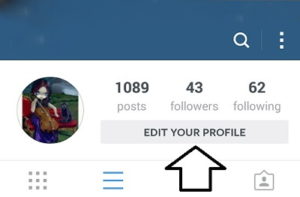
1. Go to Your Profile
2. Edit Your Profile Settings
3. Change Your Username
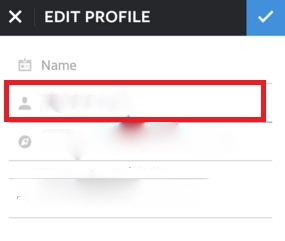
Voilá! You have now changed your Instagram username. Have in mind that all usernames are not available since Instagram has over 700M active users, and even more registered accounts. THAT’S A LOT OF USERNAMES!